Selling books online has become one of the most profitable and scalable businesses in the education sector. Edueshop provides a simple and reliable platform for authors, publishers, educators, and book resellers to reach a wide audience. This step-by-step seller guide will help you understand the complete process of selling books on Edueshop professionally and successfully.
Step 1: Create Your Seller Account
To start selling on Edueshop, the first step is to register as a seller.
How to do it:
- Visit the Edueshop website
- Click on Sign Up / Register
- Choose the Seller Account option
- Enter your basic details such as name, email ID, mobile number, and password
- Verify your email and mobile number
Once registered, you will get access to your Seller Dashboard.
Step 2: Complete Seller Profile & KYC
A complete and verified seller profile builds trust with customers and the platform.
Required details include:
- Seller name / business name
- Address and contact details
- Bank account details for payments
- PAN / GST (if applicable)
- Identity verification (KYC)
After submission, Edueshop reviews and approves your seller profile.
Step 3: Prepare Your Book for Listing
Before uploading your book, make sure it is professionally ready.
Checklist:
- High-quality book cover image
- Clear book title and subtitle
- Author name
- ISBN (if available)
- Correct category (School, College, Competitive Exams, E-Book, etc.)
- Language and edition details
- Accurate pricing
For e-books, ensure the file is in a supported format (PDF/ePub).
Step 4: Add Your Book Listing
Now upload your book through the Seller Dashboard.
Steps to list a book:
- Log in to Seller Dashboard
- Click on Add New Product
- Select Book / E-Book Category
- Upload images and book file (for e-books)
- Write a detailed product description
- Set price, discount (if any), and stock availability
- Submit the product for approval
Your book will go live once approved by Edueshop.
Step 5: Write a Professional Book Description
A strong description increases sales and customer trust.
A good description should include:
- What the book is about
- Who should read it
- Key benefits for the reader
- Table of contents (optional)
- Exam or syllabus relevance
Use simple, clear, and professional English.
Step 6: Manage Orders & Inventory
Once your book starts selling, you can manage everything from the dashboard.
You can:
- View new orders
- Update order status
- Manage stock quantity
- Track deliveries (for physical books)
- Handle digital downloads (for e-books)
Timely order processing improves ratings and customer satisfaction.
Step 7: Payment & Earnings
Edueshop provides a secure and transparent payment system.
How payments work:
- Earnings are credited to your registered bank account
- Payment cycle depends on platform policy
- You can track sales reports and earnings in the dashboard
Always keep your bank details updated.
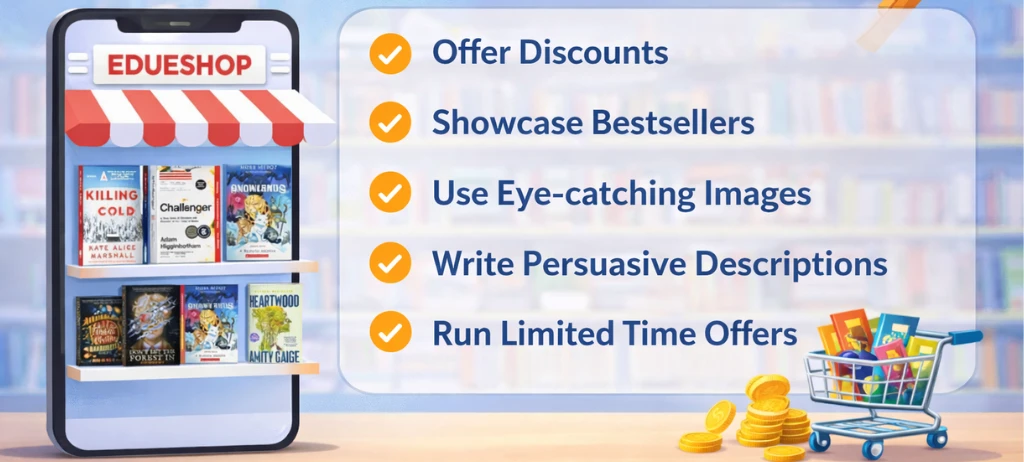
Step 8: Promote Your Books for More Sales
To increase visibility and sales:
- Share your book link on social media
- Offer limited-time discounts
- Use attractive cover designs
- Keep competitive pricing
- Upload multiple relevant books
Consistency helps you grow faster as a seller.
Step 9: Follow Platform Policies
Always follow Edueshop’s seller policies regarding:
- Copyright and originality
- Content guidelines
- Refund and return rules
- Customer communication
Policy compliance keeps your seller account safe and active.
Conclusion
Selling books on Edueshop is a great opportunity for authors, educators, publishers, and resellers. With the right preparation, professional listings, and customer-focused approach, you can build a successful online book business. Follow this step-by-step seller guide to start your journey and grow your sales confidently on Edueshop.
 english


 Books
Books
 Online Coachings
 Video Courses
 Online Courses
 Online Test
 Education Products